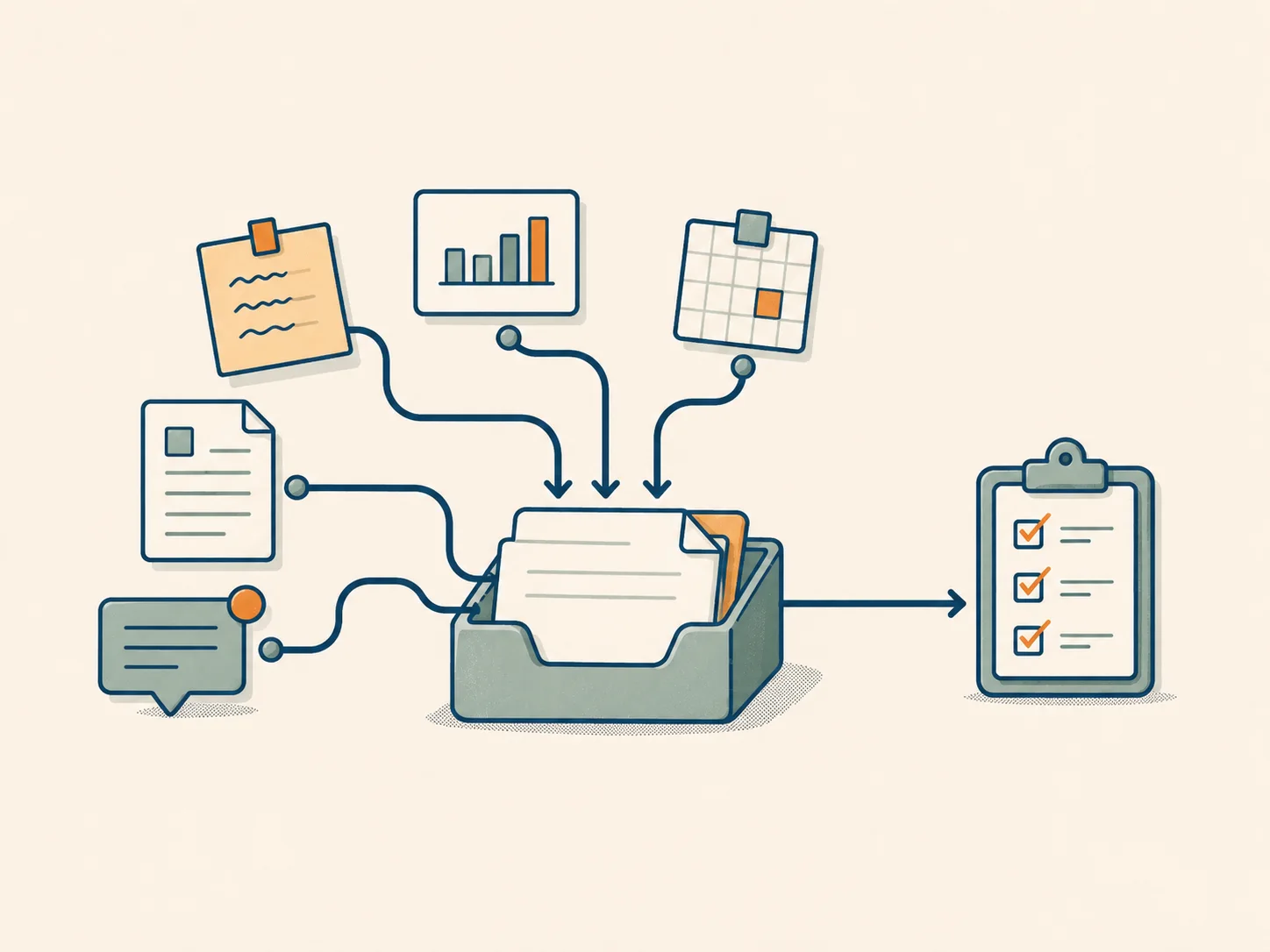
Booking, availability, and business-rule systems
Booking systems where prices, availability, resources, sync, and overbooking all have to line up.
Project proofs
Practical help for live web systems
People depend on your web system, but nobody feels safe changing it anymore. I help you see what is fragile, what still works, and what can move safely next.
No rewrite just because the code looks old. No rushing. No breaking what already works.
01 — Origin
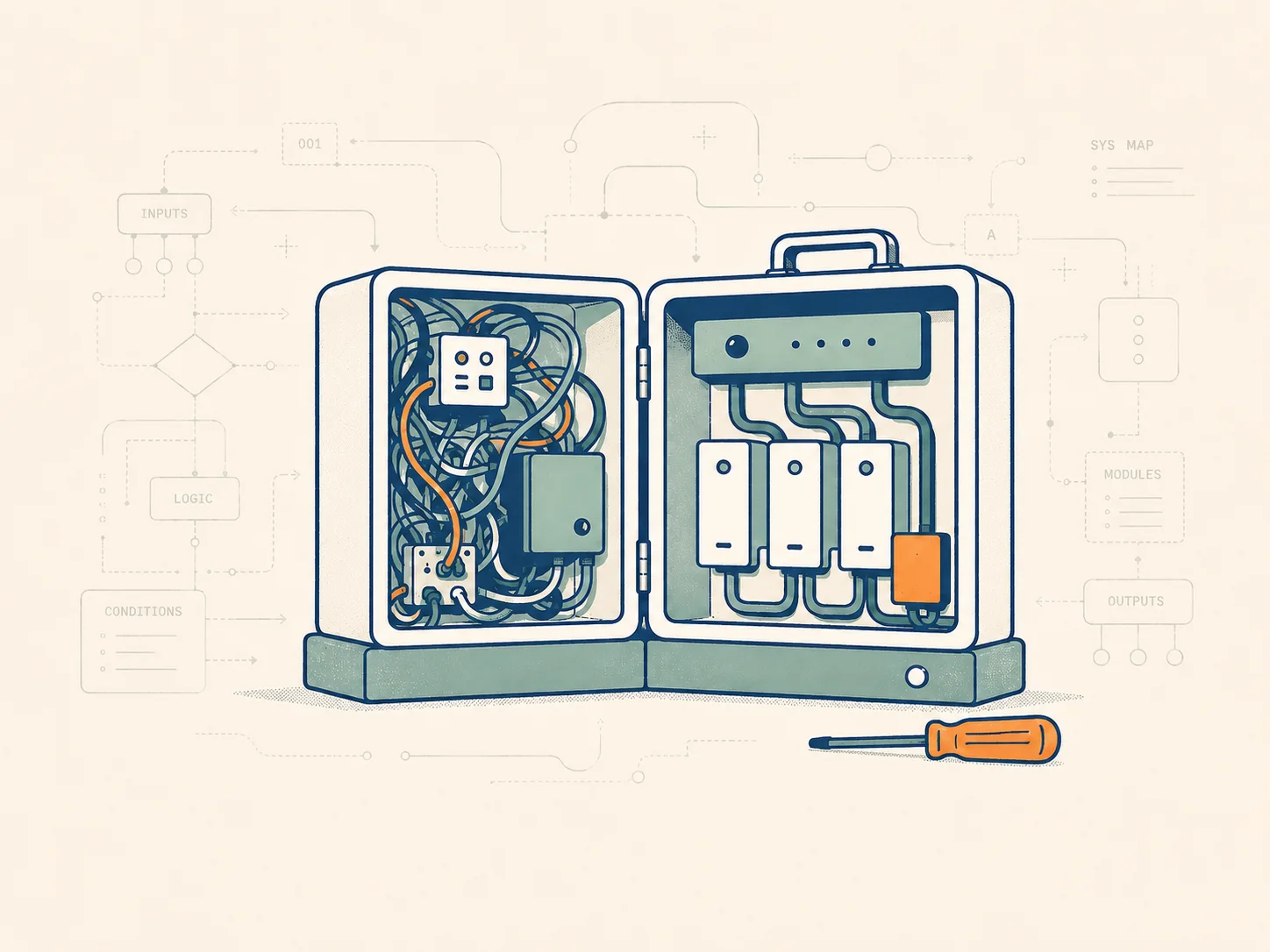
Useful software gets messy because people use it.
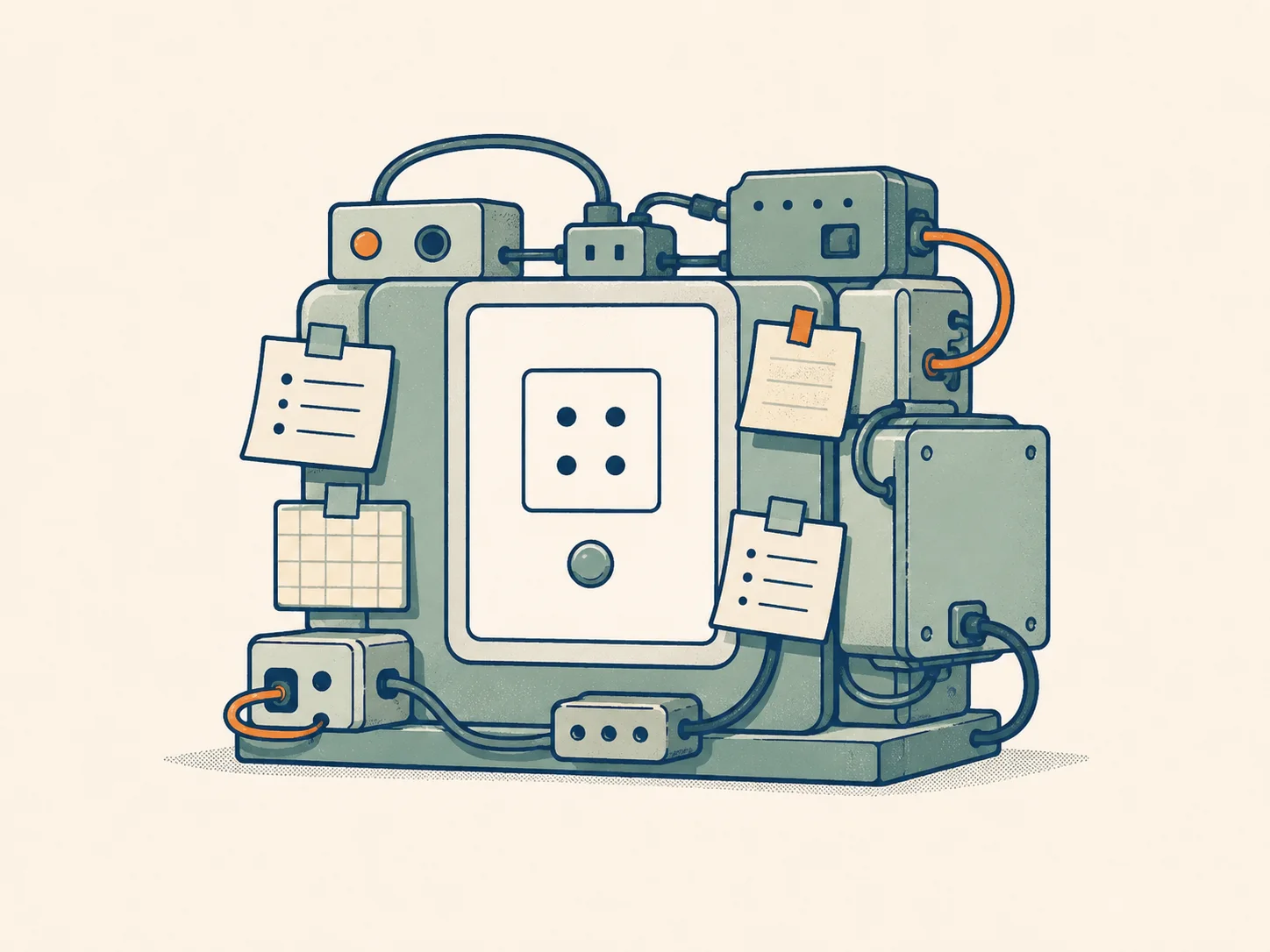
Urgent fixes pile up. Rules move into code, spreadsheets, admin screens, and people’s heads. Small workarounds become part of daily operations.
Eventually, you end up here:
The useful part is often still there. Find what matters and what is fragile, then decide what can move safely.
02 — Method
When a live system causes problems, waiting costs money. A rushed change can break bookings, block staff, corrupt data, or leave cleanup nobody planned for.
So I do not start with a rewrite plan or a long report.
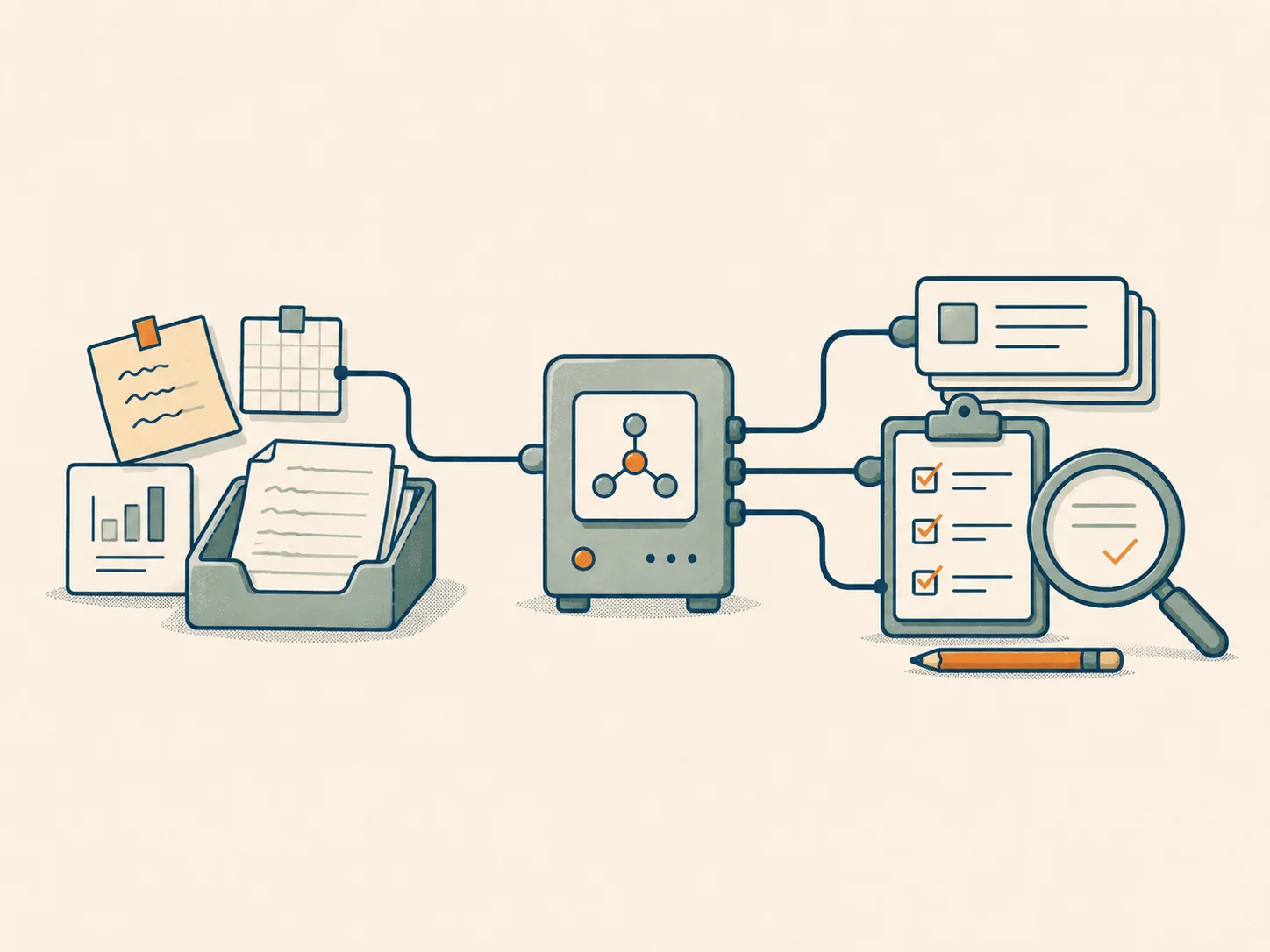
I trace the part that matters, check what depends on it, and separate what hurts now from what can wait.
You see what is risky and what can wait. Then we make the first useful change.

03 — Proof
These systems had users, business rules, edge cases, and real consequences.
Booking systems where prices, availability, resources, sync, and overbooking all have to line up.
Project proofs
Production systems with old decisions, unfinished parts, performance problems, and changes that need care.
Project proofs
Workflows split across shared sheets, calls, admin screens, and people’s memory. Eventually, that becomes hard to manage.
Project proofs
Systems that need to exchange data even when their rules and business models do not match.
Project proofs
AI-assisted work with messy data, scraping limits, model constraints, cost checks, and human review.
Project proofs
Each project note explains the situation, where the mess showed up, what needed understanding, and what changed.

04 — Who
I’m most useful when a system is too important to ignore and too unclear to change blindly.
I’m Ferenc, a senior full-stack developer. I work with web systems where “just writing code” is not enough: you need to understand the workflow, the old decisions, the business rules, and where it is safe to make a change.
Most of my work has been inside systems that already worked, already mattered, and real people depended on.
05 — How I work
I use AI when it speeds up careful work: understanding unfamiliar code, drafting documentation, testing ideas, and reviewing messy data.
But the judgment stays human.
You are hiring someone who has been inside real systems before, knows where things usually break, and takes responsibility for the work.
06 — Fit
This is for systems people already rely on, where change feels too risky to make blindly.
Where the friction shows up
How we begin
We start by looking at where the friction is, what depends on it, and what can safely move first. A big pitch or speculative rewrite can wait.
07 — Start
You do not need a perfect technical spec, or even a perfect explanation of what is wrong.
Tell me what the system is, who depends on it, what feels fragile, blocked, or unclear, and what would make the next few weeks easier.
We will start with a short conversation or a few written questions, then work out the first useful step: a small fix, a deeper investigation, a safer change, or a clearer picture of what is going on.
I read every message myself. I will suggest a next step, or tell you if I am not the right person to help.